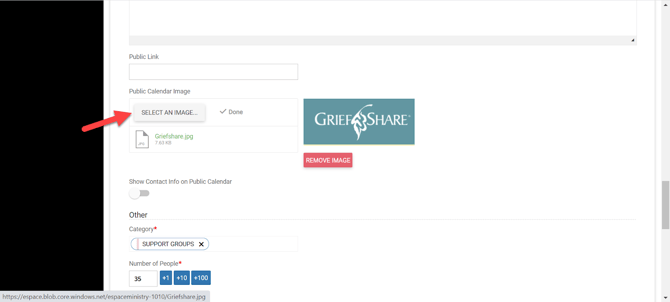
This is another option for viewing the Public Calendar feature on your website that can include a Public Event image along with a public description and public link! To add a public image, description and link go to the main Details tab of the event and click "Update" when you are done editing.
- Related articles:
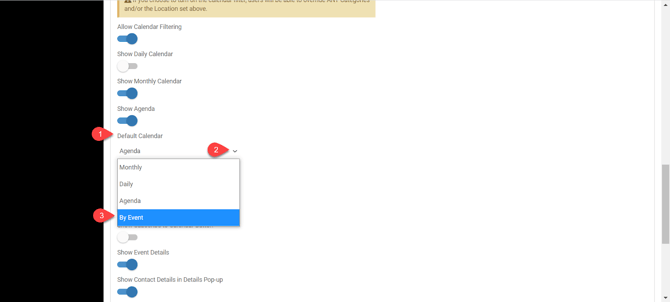
Go to Settings > Advanced > Public Calendars > Edit > then scroll to Default Calendar and you will see By Event as one of the options
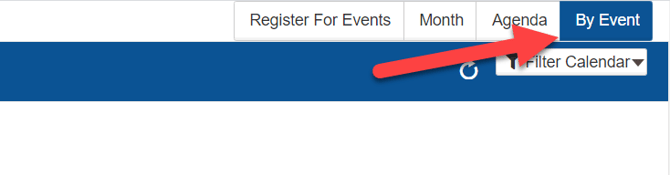
Additionally, you will see By Event when viewing the Public Calendar
When clicked By Event, the user will see the Public Calendar with events displayed in chronological order
Notice unique images for some of the events!
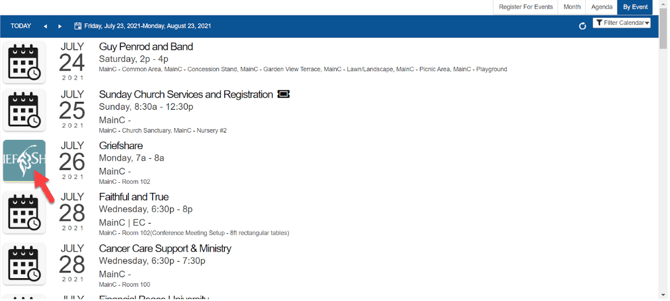
When clicking on the name of the event, the user will see the event details with the image

To Add a Public Image, go into an event>Details and scroll down to Public Calendar Image and choose SELECT AN IMAGE