This integration was designed by both companies so that you can continue to use Planning Center to enter and manage all your events and then have eSPACE “pull” your approved events for our FACILITeSPACE integrations. As events are approved in Planning Center, your HVAC, doors and/or digital signage displays can automatically be scheduled for events!
- Please search for and read the articles about the specific HVAC doors, and digital signage integrations that we have in order to learn more: Integration Articles
- Before adding to your existing eSPACE subscription, we would love to have a one-on-one live demo with you: Schedule a Demo to Add to your Subscription
- If you are not yet an eSPACE customer, we encourage you to schedule a demo with our sales experts! Schedule a Demo with Sales for new Subscriptions
- Different eSPACE Subscription Tiers include Different Features Including Integrations
- In order to know if your account can integrate with a ChMS based on your eSPACE subscription tier, please contact support@espace.cool.
- In order to know if your account can integrate with a ChMS based on your eSPACE subscription tier, please contact support@espace.cool.
- Viewing Your Subscription Details
- Each eSPACE admin with access to Billing can view what subscription tier your organization currently has and everything that is included in their account under Settings > Other > Billing > Manage.
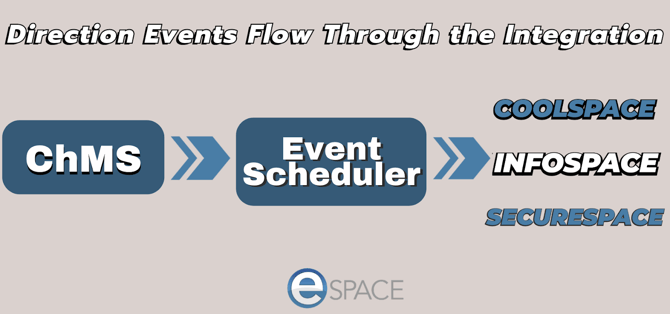
How the Integration Works
- Sync Direction: Please know that all of these are a 1-way sync to eSPACE (not from) and because of their purpose, the integration is specifically designed to continuously sync every 30 minutes and to only bring over the space names and a few days of events at a time with minimal information so that FACILITeSPACE knows which thermostat/HVAC unit, door or digital signage display to update.
-
What Events Sync: eSPACE only pulls over events that are fully approved in Planning Center. If two events request the same room or resource at the same time, Planning Center flags them as a conflict and holds both as unapproved (even if you already thought you approved them) — so neither one will sync to eSPACE until the conflicts are resolved.
-
Planning Center will prevent the event from syncing until the conflict has been resolved: Learn how to Resolve Conflicts in Planning Center
-
- Setup and Teardown times: These will also sync over with event start and end time and show up on the event in eSPACE.
- Editing Events in eSPACE: Once the data syncs to eSPACE, no changes should be made in eSPACE. For simplicity’s sake and to ensure that the integration works, ALL changes should ONLY be made in your original ChMS system. The only exception is toggling on "Turn off HVAC or Door" override on the event's Details tab in eSPACE in order to prevent eSPACE from scheduling air or doors for that event.
- Events on the Calendar vs. Dashboard: The internal Calendar in eSPACE and the Dashboard's "Upcoming Events – Next 30 Days" views are not designed to show the same list of events. The different Calendar views in eSPACE display every occurrence within the date range being viewed, including past dates. The Dashboard in eSPACE only lists fully approved events with a future occurrence ending within the next 30 days, so an event whose next occurrence has already passed, falls outside that window, or has no remaining occurrence will not appear on the Dashboard "Upcoming Events - Next 30 days" grid. This is most noticeable with Planning Center custom-recurrence events, since PCO often imports these as individual dates rather than one repeating series. To confirm whether a specific event synced correctly, check the Calendar rather than the Dashboard widget.
Connect Your Planning Center Account to eSPACE
1. Add the Planning Center Client ID and Client Secret Key to eSPACE
-
- A. Login to your eSPACE account
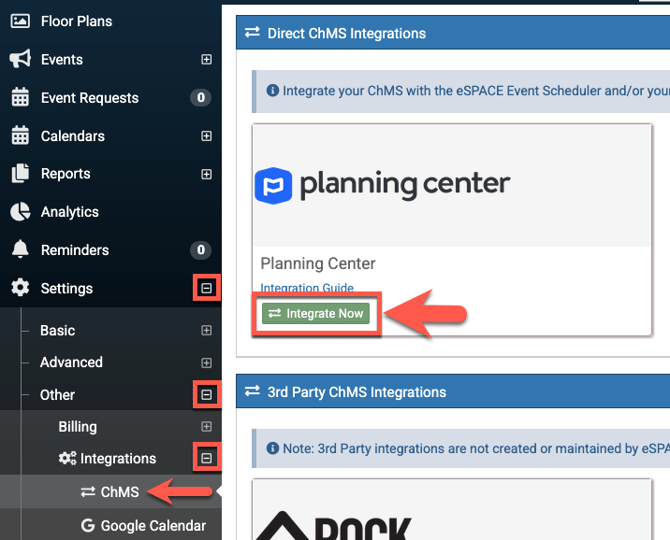
- B. From the left side menu, click on Settings>Other>Integrations>ChMS
- Choose "Integrate Now" under Planning Center
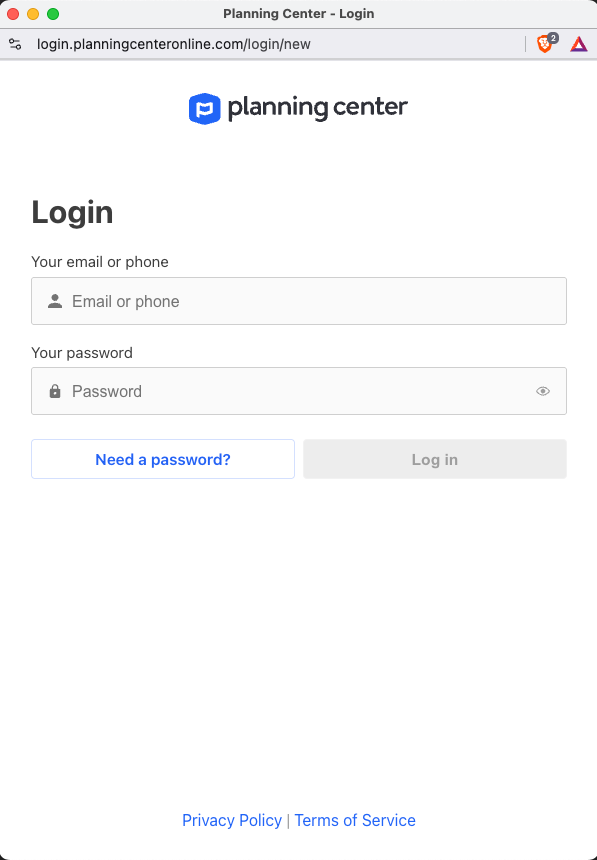
2. Enter your username and password for Planning Center and click "Log in".
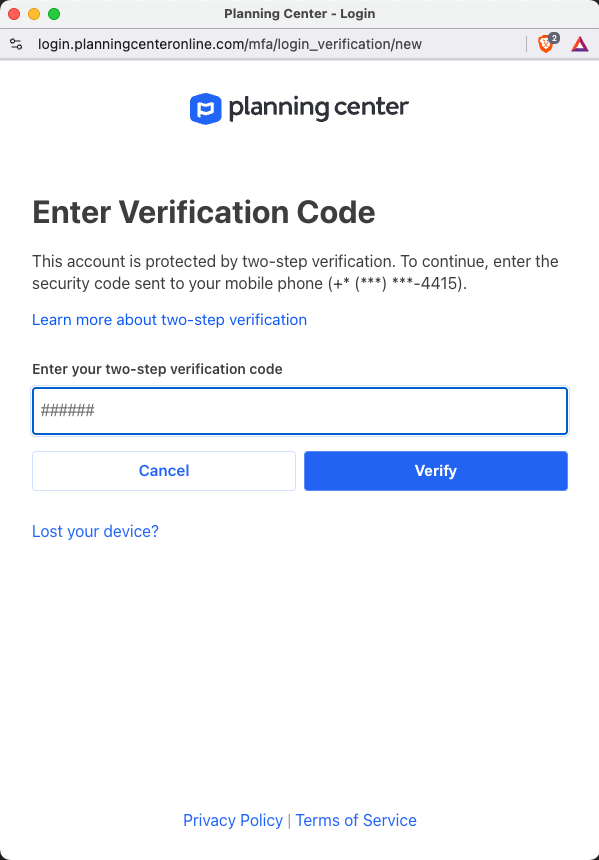
3. If your Planning Center account is set up for 2 factor authentication, then enter in the verification code that Planning Center texted you.
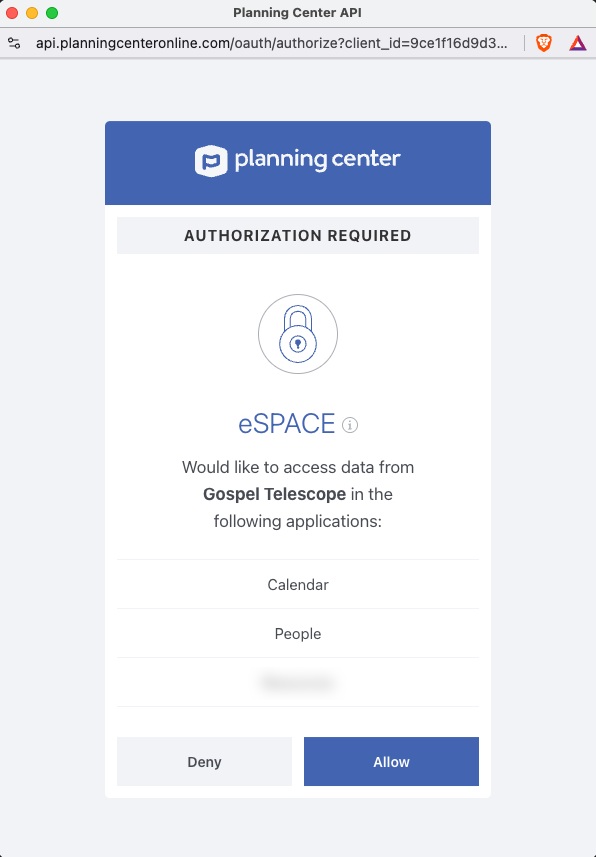
4. In the Authorization Required window, click Allow so that eSPACE has the access it needs to sync the events.
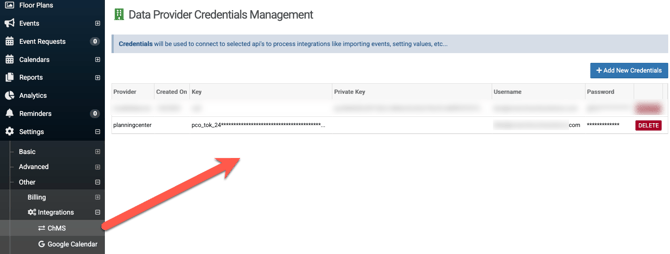
5. Then back on the ChMS page, you will see your Planning Center integration information.
Seeing Your Events in eSPACE
6. 30 minutes after that, eSPACE will start polling the Planning Center API every 30 minutes to pull in your approved events for the next few days. eSPACE will also sync over your rooms which you will see in your eSPACE account under Settings/Basic/Spaces.

Part 3: Setup the Events in eSPACE to Schedule your HVAC, Doors, and Digital Signage
7. To then set up your eSPACE FACILITeSPACE account to schedule your HVAC, doors or digital signage, make sure you also have COOLSPACE, SECURESPACE and/or INFOSPACE added to your eSPACE subscription.
8. Once you do, then click My Modules (at the top right) and select FACILITeSPACE. 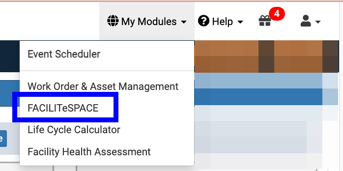
9. Then follow the instructions in the article that relates to your integration.
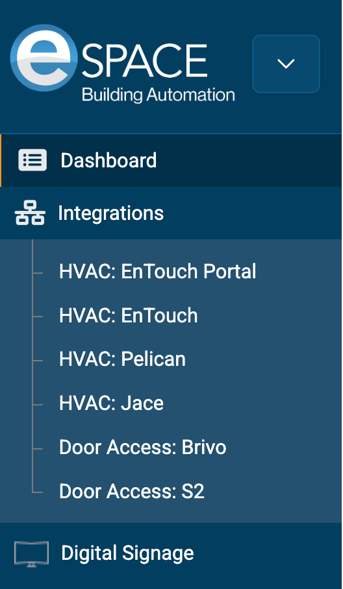
For eSPACE Work Order & Asset Management only customers, learn more about our product Event Scheduler, by clicking "Learn More".