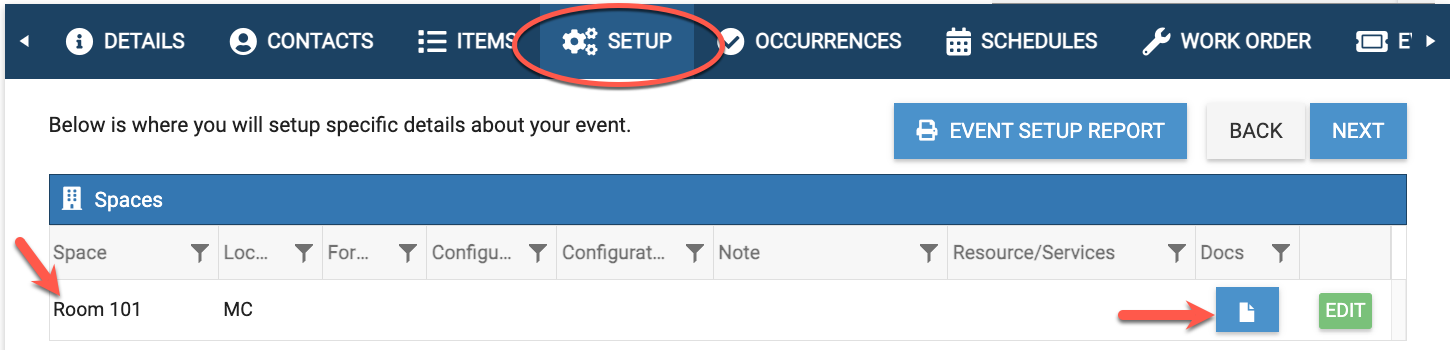
You (admins) can add a document from your Document Library to any item (space, resource, or service) as a way of linking internal information to that item. Once linked, this document can only be viewed by admins when viewing that settings of that particular item.
- First, go to Settings > Basic, then select Spaces, Resources, or Services.
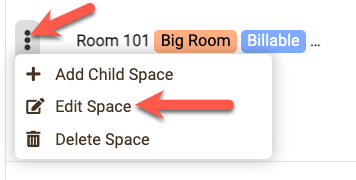
- Click the 3 dots and then choose "Edit" item.
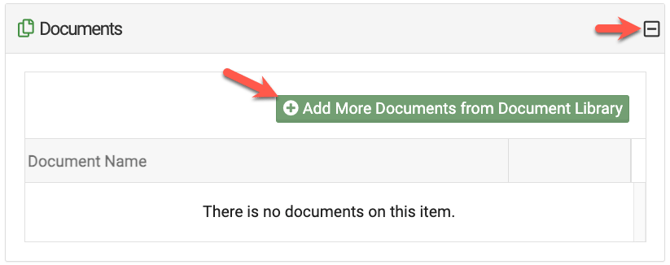
- Next, scroll down until you see the Document section and click to expand.

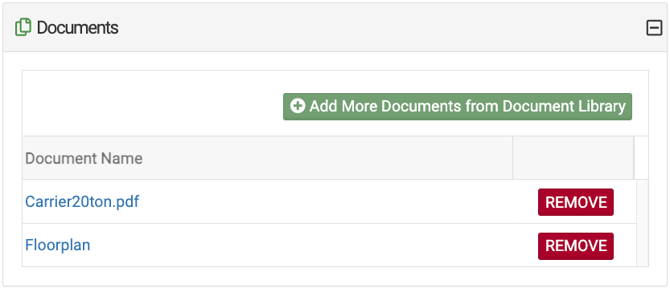
- Then click on "Add More Documents from Document Library (which is located under Settings>Advanced>Document Library).
- Select the Document from your Document Library and SAVE.
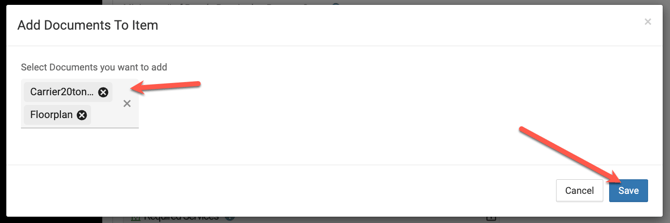
- Once you Save, it will show that the space has a document attached.
- When an item with a document attached is selected during the event creation process, the document icon w/link will show on the Setup tab, as well as the Summary tab so that it can be viewed.