Spaces, resources, and services on events can be approved by different sub-admins. The most common scenario is to create a sub-admin per department at a church, school, etc so that each department can approve the spaces, resources, and services that are under it's realm of responsibility (approval area in eSPACE).
Different Items Approved vs Declined
Sub-admins may approved the use of spaces, resources, or services in their approval area on different occurrence of an event as they may not be able to approve them on all occurrences of the event. Therefore, a sub-admin may open the event and need to approve the items on the event in their approval area occurrence by occurrence rather than clicking Approve on the event on their Dashboard.
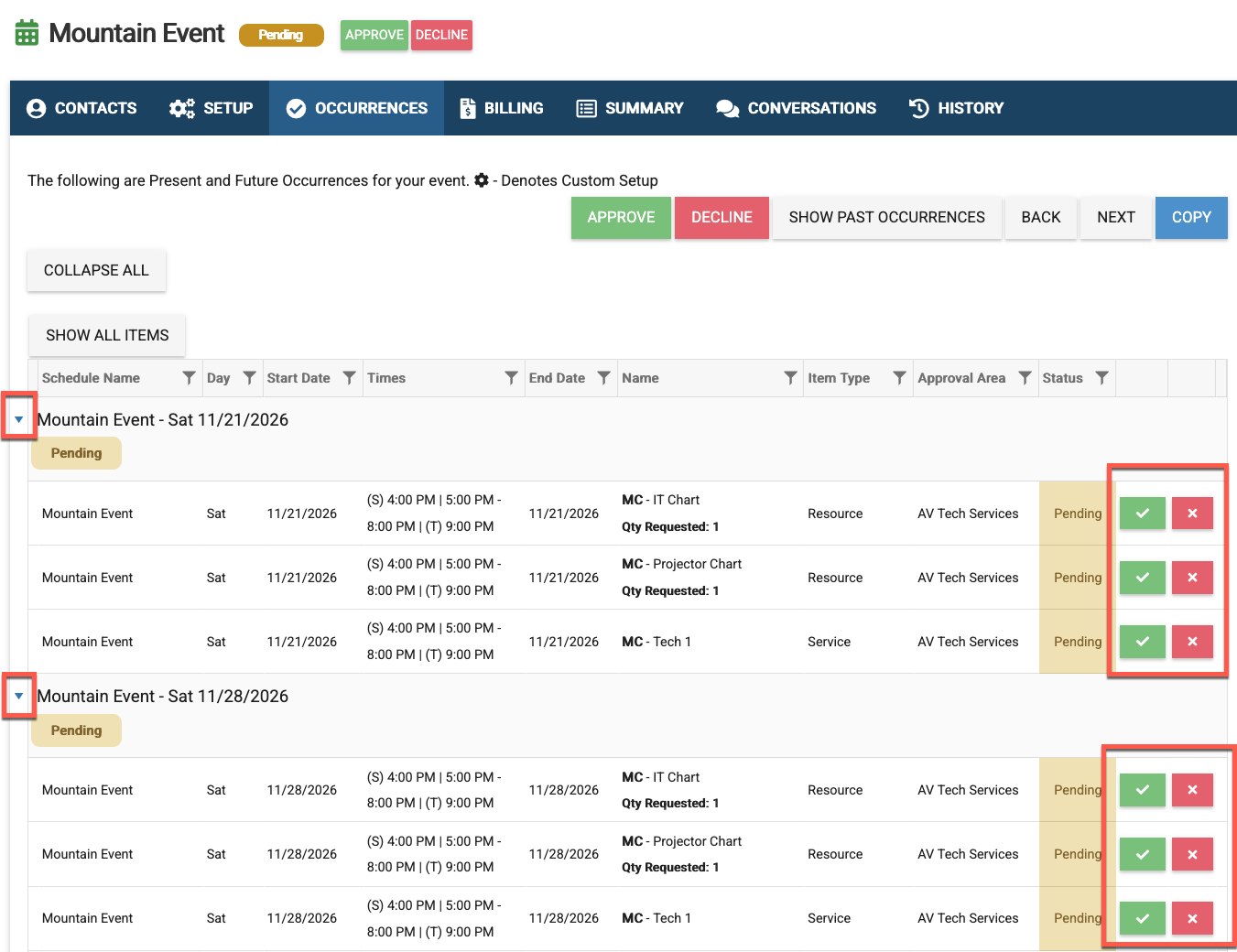
Example of a result
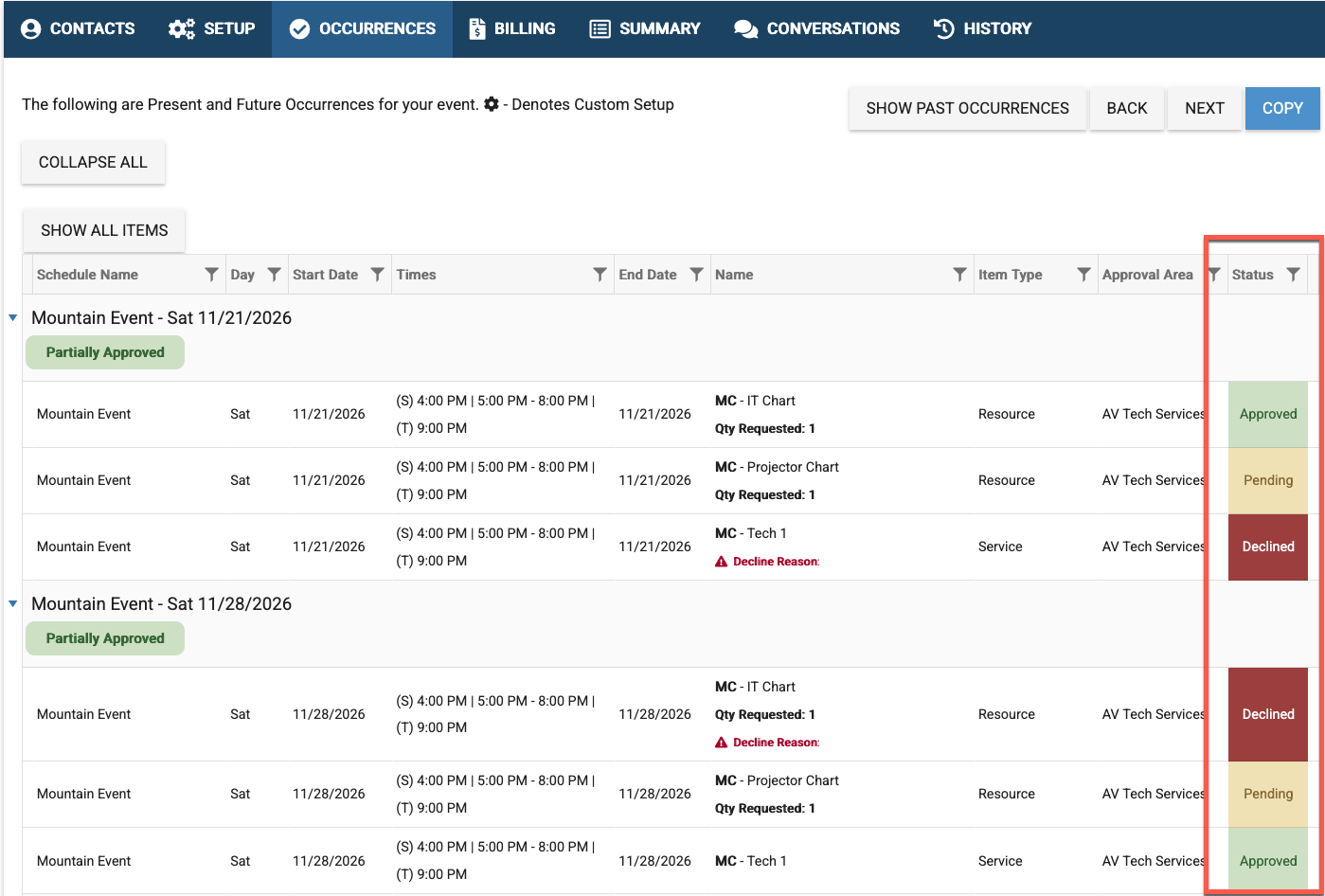
Filtering and Sorting on the Occurrence Tab
When an admin (or another user) need to look through and see which items on which occurrences have been approved or not, the best way to see this is to use the filter options on the Occurrence tab.
While any column on the Occurrence tab can be filtered or sorted, the Item Type, Approval, and Status are especially helpful when an even has a lot of future occurrences.
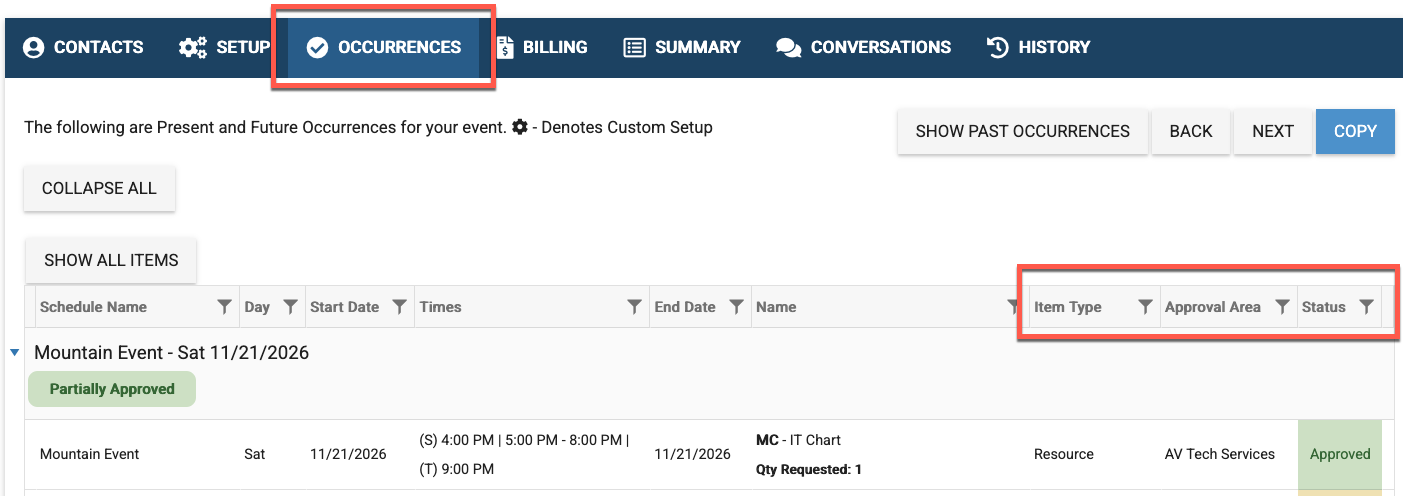
Filtering
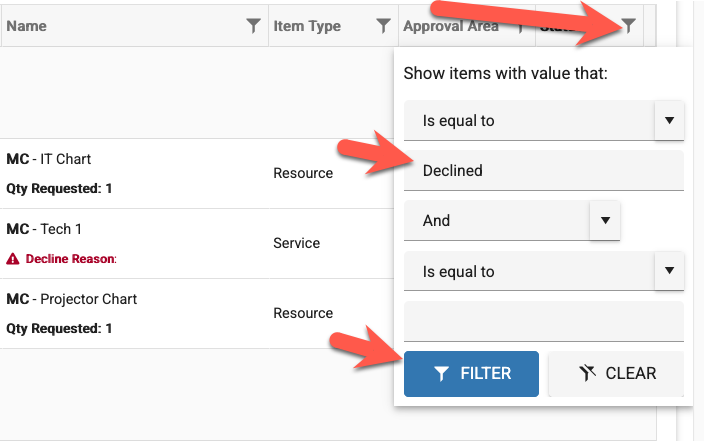
In order to Filter, click on the funnel icon within a column and then type in a key word and click Filter.
Sorting
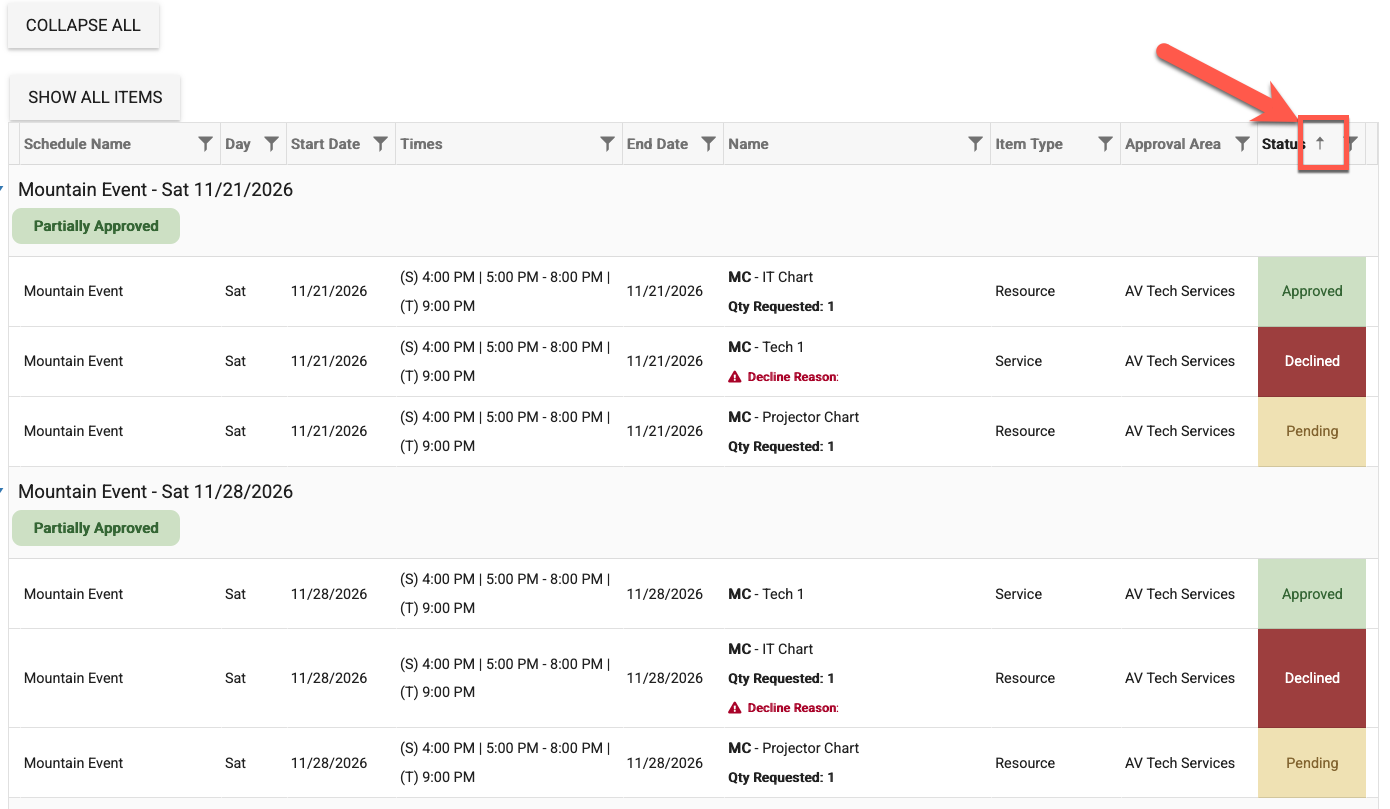
In order to sort by a column, click in that column header. When you see the arrow in the column header, that tells you which direction the column is sorting by.