All customers, regardless of what level of customer service on their subscription, can reach out to support anytime by either clicking on the the Chat Bot conversation icon in their eSPACE account OR by emailing support@smartchurchsolutions.com Each time you reach out to support your request will be turned into a ticket which will be assigned to an agent who will respond back to you during business hours.
For Basic Customers
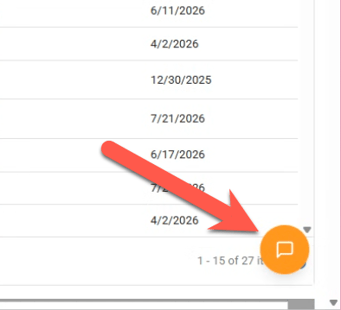
Click on the orange chat bubble on the bottom right hand corner of your eSPACE account.
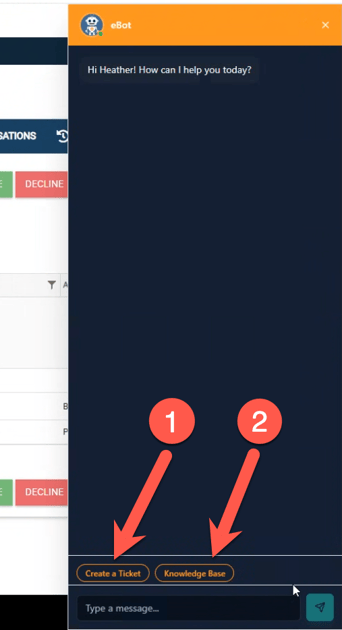
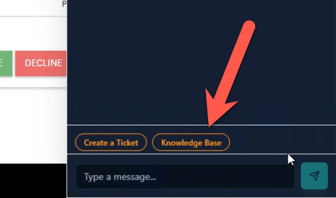
In the open window, you ask eBot questions and you will see two options, 1. to start the process of opening a ticket and 2. to navigate to the Knowledge Base.
To ask questions, simply type what you need help with or what you need an answer for.
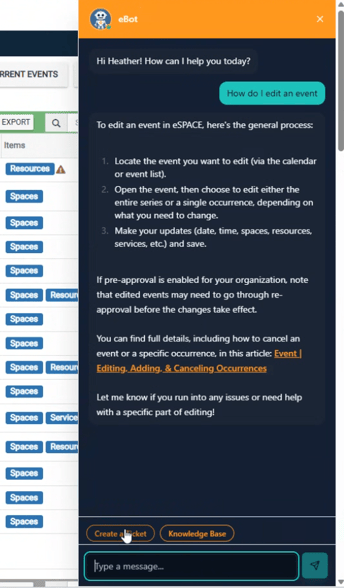
In order to create a support ticket, first click "Create Ticket" and then type out what you need. After you do, eBot will make a suggestion and if you still need to submit a ticket, tell eBot.
Once a ticket has been created, you will see a message about it in the bottom of the chat window.
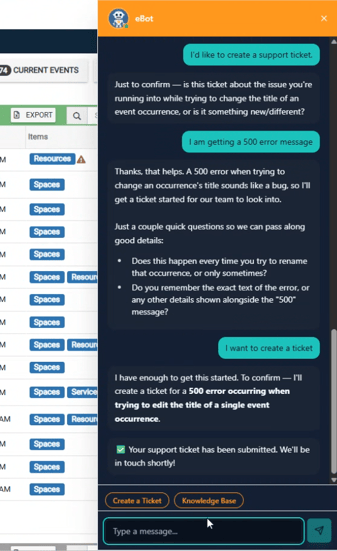
In order to navigate to the Knowledge Base from the chat window, click on Knowledge Base.
For Plus Customers
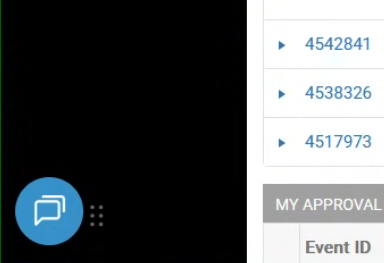
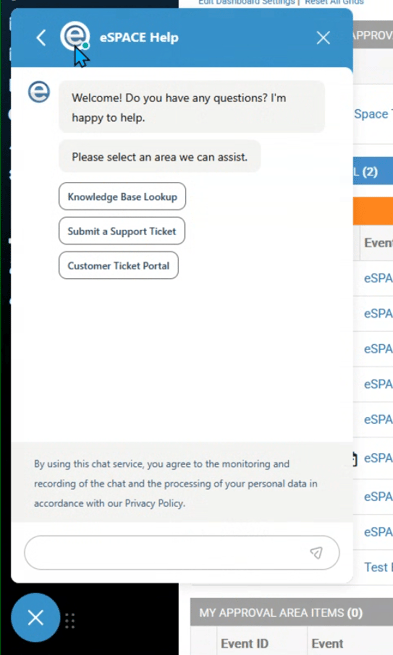
Click on the blue chat bubble icon on the bottom left of your eSPACE account.
There you will see the three options.
Type in the chat window what you need and follow the prompts.
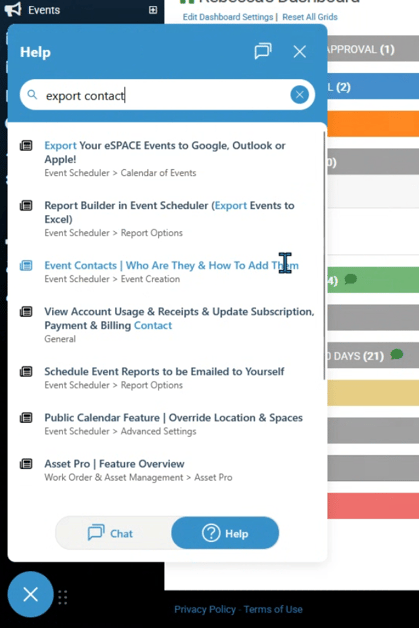
- If you click on Knowledge Base, you can ask questions or type in what you need help with in eSPACE and the chat widget will suggest articles to you. In order to view an entire article, click on one.
- If you click Submit a Support Ticket, you can chat with the widget about what you need help with and then have a ticket submitted to the support desk.
- If you click on Customer Ticket Portal, you will be taken to another window where you can fill out a support ticket.
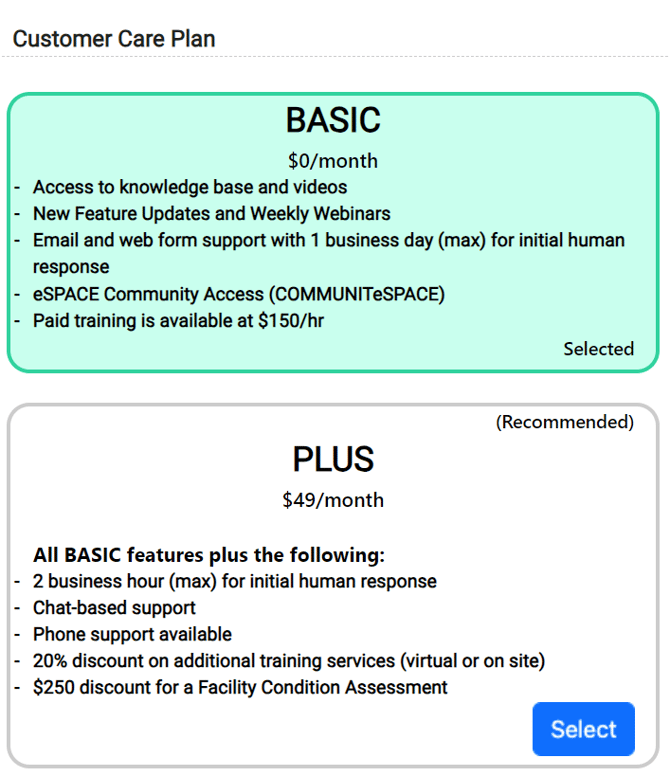
Like many subscription-based companies, we offer 2 different customer care levels.
Basic Customer Care: This level is available at no additional charge and provides support by tickets/emails only within 1 business day in the order that all Basic Customer Care tickets are received. See more of the benefits in the screenshot below.
Plus Customer Care: This level is available at an additional monthly cost and provides support by tickets/emails, phone calls, and live chat during business hours within 2 business hours in the order that all Plus Customer Care tickets are received. See more of the benefits in the screenshot below.
- Rather than keep you on hold, all incoming calls are converted into voicemail tickets and assigned to an agent who will get back to you within 2 business hours as long as you give your name and the name of eSPACE account you are calling in about.
To switch your Customer Care level, an admin with access to the billing page in eSPACE can go to Settings > Other > Billing > Manage. Simply click on the plan that works best for your organization, agree to the terms and conditions, then choose the "Update Subscription" button! New and current subscribers can update their customer care plan at any time. If you have any questions, please reach out to support!